
Place on the ground, attach parts, and check available force
Separate loose parts from physical mounts and compare mass, power and traction demand.
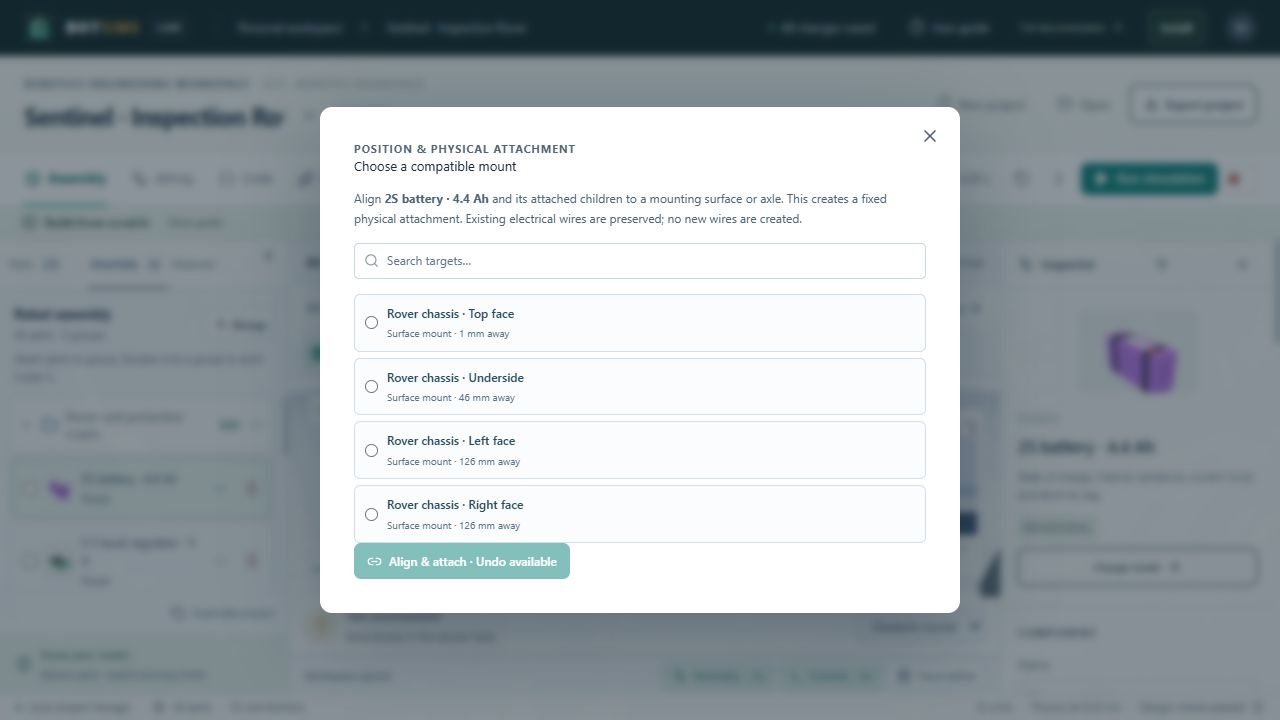
New library and custom components start on the ground in a clear staging footprint. Rotation and dimensions determine the support envelope; Y is not a fixed arbitrary height. If you lift a loose part in design mode, it falls under gravity when Run starts. Wires carry logical connections and do not physically mount or tether a part.
- Select a component and open Inspector → Physical attachment. Mount to selects its physical parent; an empty parent means a loose body. Groups only organize editing and do not mount components.
- Use Place on ground for a loose component, or Detach & place on ground to separate a mounted subtree. Ground entire assembly adjusts the connected assembly while preserving its mounts.
- Translate a mounted parent to translate its descendants by the same displacement. Positions remain stored in the root frame. Revolute/prismatic dynamics remain unsupported.
- Anchor assembly to world makes a root support immovable. Arm and camera-rig bases start anchored; release it to test unsupported support behavior.
- Open Test bench → Mass & drive check for mounted mass, weight, available starting force, required slope/rolling/acceleration force and estimated loaded source voltage/current. The Inspector overview has a compact version.
- Run the actual controller and read telemetry. Add payload, change friction/slope, disconnect motor power or substitute a source, and compare the response. A launch candidate is a screening result, not a guarantee of sustained movement.