
Make your next
robot possible.
Assemble the parts. Connect the dots.
Give your ideas a world to move in.
Design, wire, code and explore robots in your browser—from an expressive little companion to your next AI rover.
Your browser. Your ideas. No hardware required to begin.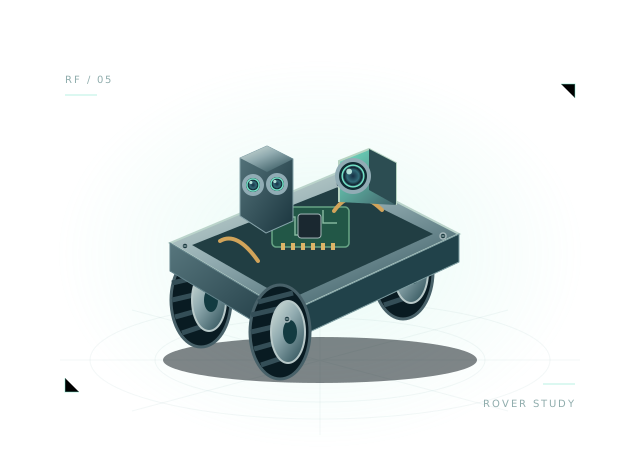
A small face.
A bigger possibility.
Start with a little personality. Go further with movement, precision or perception. Explore seven robot families and all 22 editable starting points, each with its own story and included starter code.
Give a new idea its airframe.
Six distinct designs: mapping quad, cargo hex, guarded inspection, coaxial octo, agricultural sprayer and winged VTOL. Explore grounded packaging and wiring studies with explicit flight-model limits.
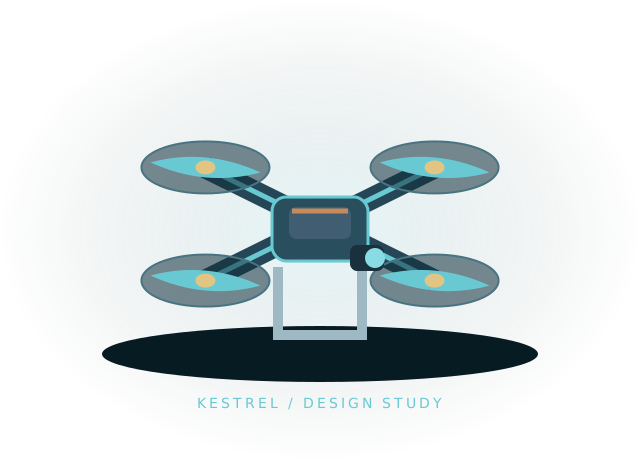
Kestrel
An X-frame quad with a forward camera and GNSS mast for mapping layout studies.
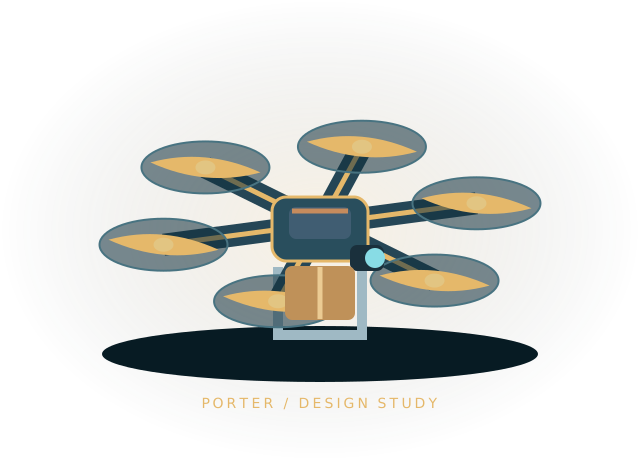
Porter
Six radial arms, tall landing skids and an underslung cargo pod with a 0.5 kg planning payload.
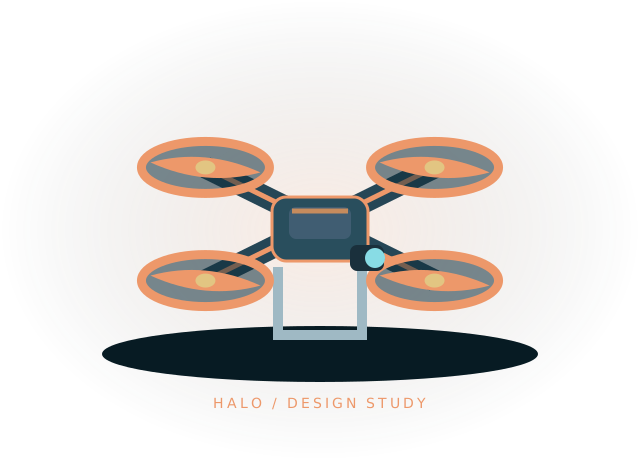
Halo
Four open protective ducts surround a compact camera body for confined-space design studies.
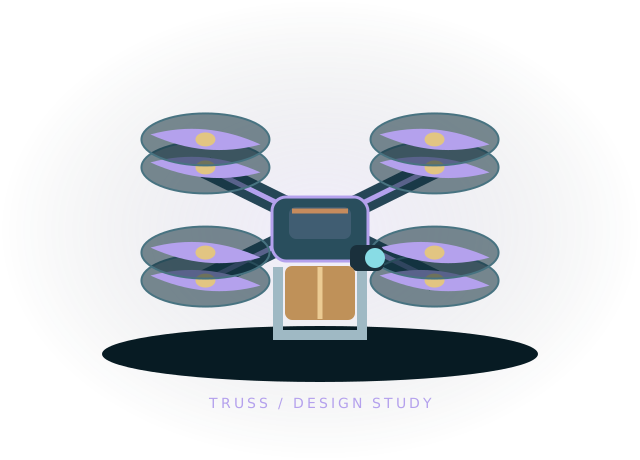
Truss
Four arms carry eight stacked rotors around an instrument deck. Study coaxial packaging and cabling.
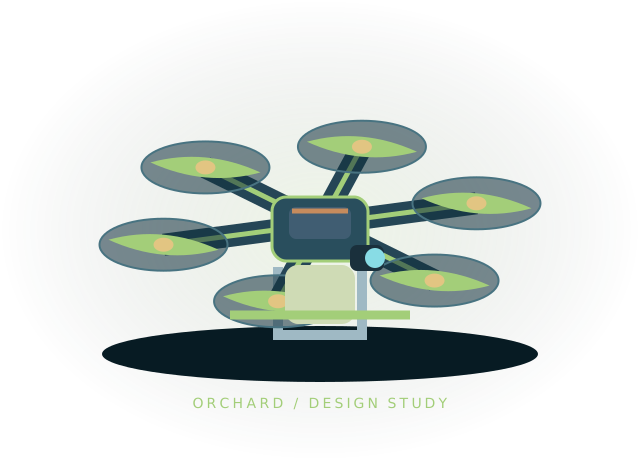
Orchard
A broad hexacopter with an empty tank, spray booms and a separate 2 kg liquid-mass assumption.
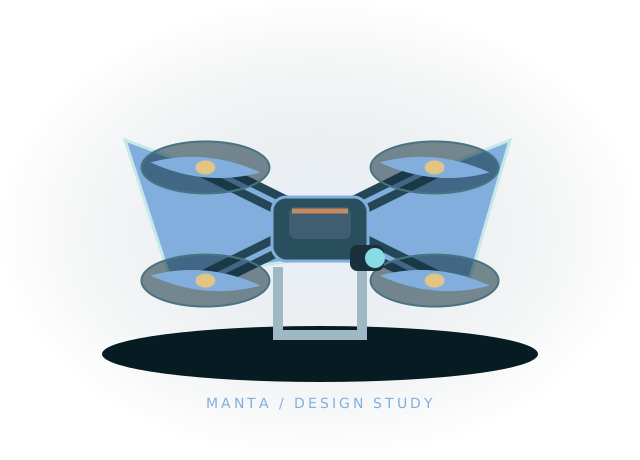
Manta
A swept-wing airframe with twin booms and four lift rotors for hybrid aircraft packaging studies.
A little more personality.
One idea. Four personalities. Explore ESP32 boards, expressive displays and servo control, then give your little companion a character of its own.
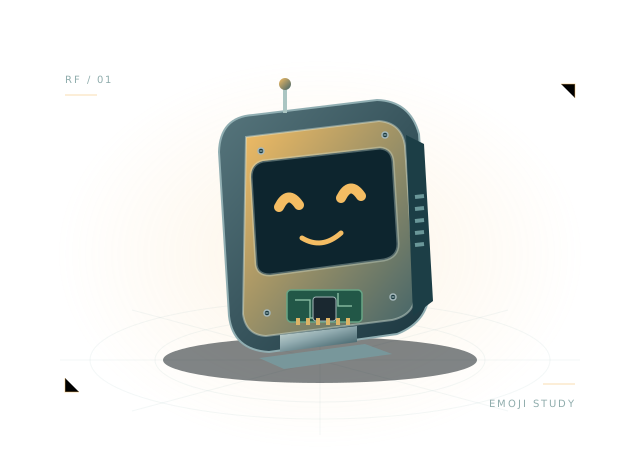
Pixel
Compact face, display and expressive servo with 3.3 V GPIO aliases.
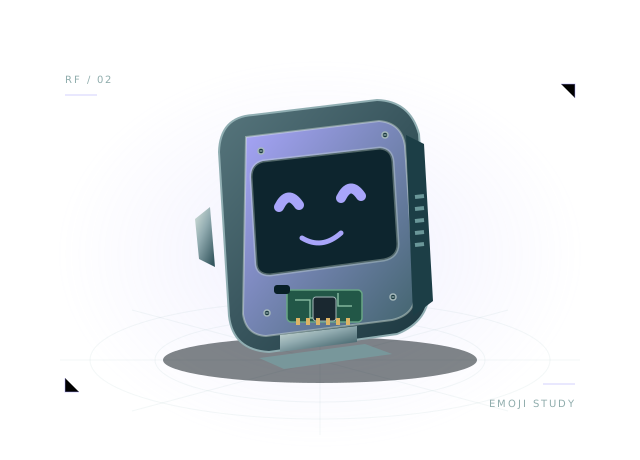
A lighter desktop companion around a compact C3 board.
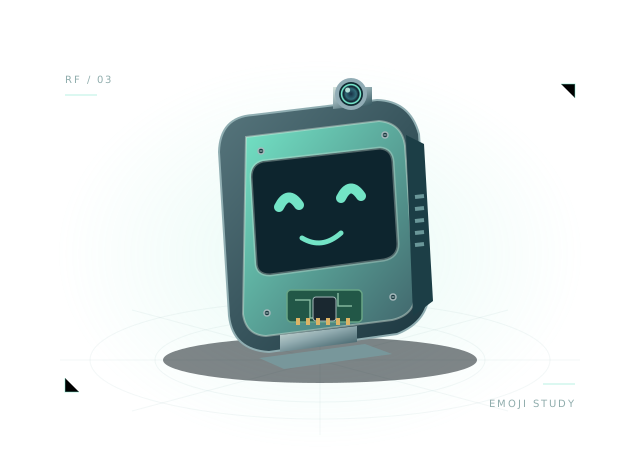
Vision
Camera, display and audio planning with a separate virtual AI host.
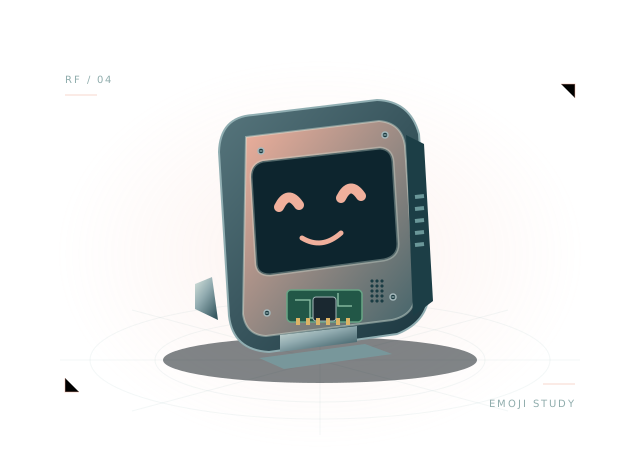
Mochi
The original display, microphone, speaker and servo example.
Ideas with somewhere to go.
From a compact scout to a delivery platform. Follow the relationship between battery power, motor torque and the next turn.
Atlas
Differential drive, camera, range sensor and wheel encoders.
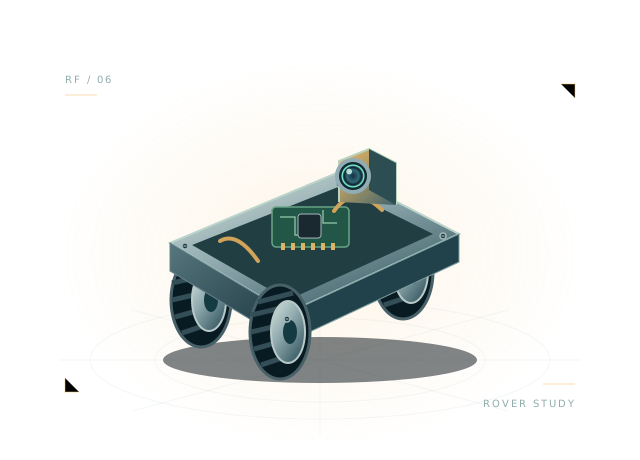
Scout
A smaller controller-driven rover with range sensing.
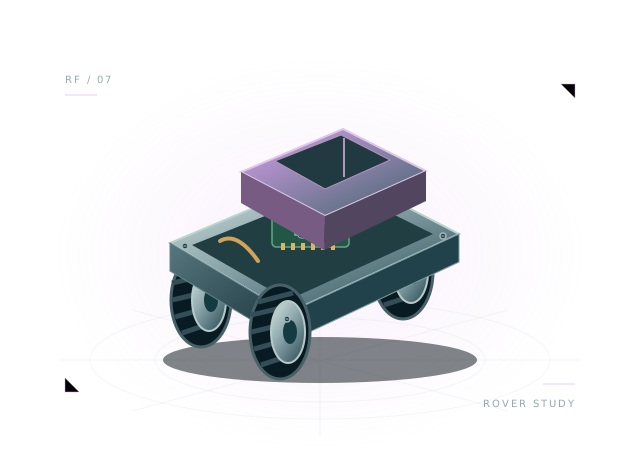
Courier
A delivery platform with a cargo tray and a 1 kg starting payload.
A different kind of reach.
Plan an assembly, understand the hierarchy and preview bounded, code-driven joint movements. Two layouts. Plenty of room to experiment.
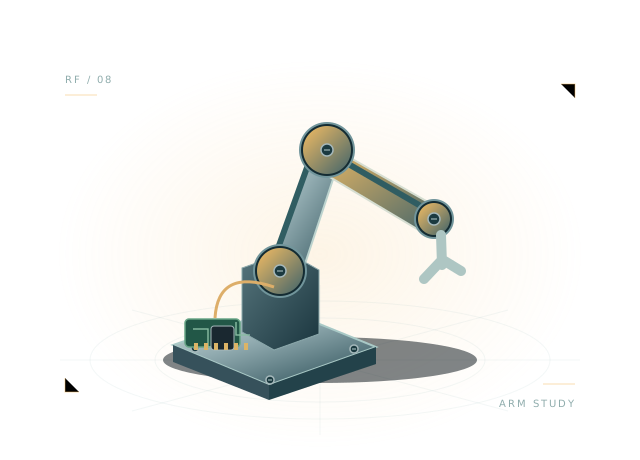
Reach
Two servo locations, two links, a gripper and an anchored base.
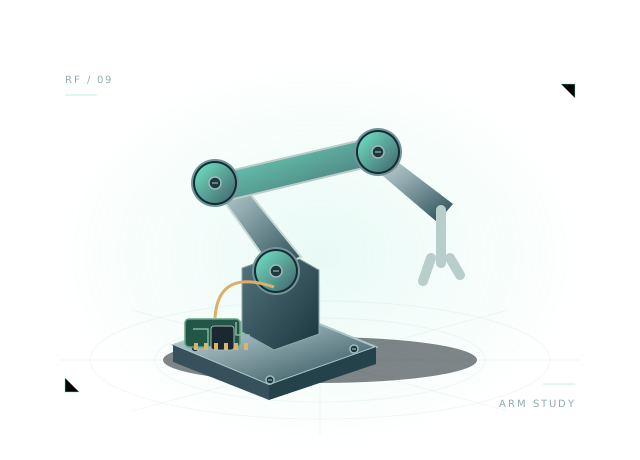
Orbit
A planar arm arrangement for reach, mass and wiring studies.
Think beyond the wheel.
Discover the structure behind a biped or quadruped. Experiment with servo sequences through an in-place kinematic preview.
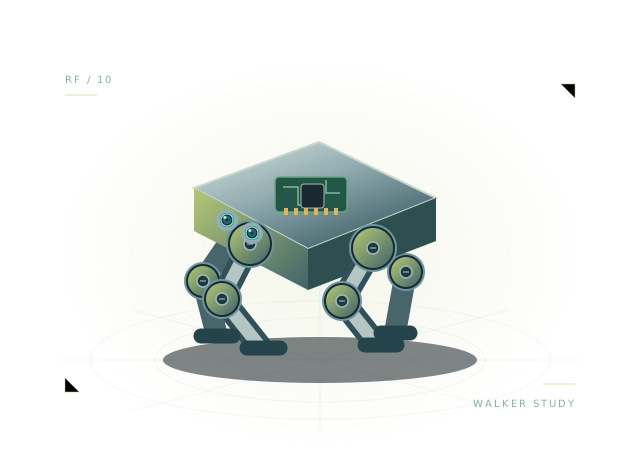
Paw
Four legs, eight servo positions and a central power/control body.
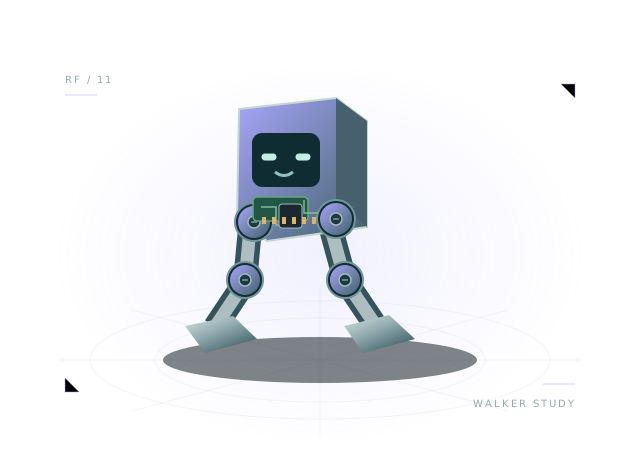
Stride
Two legs and broad feet for support, assembly and wiring studies.
Everyday problems. Robotic ideas.
Look inside a cleaning robot's mobile layout. Compare compact and sensor-rich designs, their power paths and drive behavior.
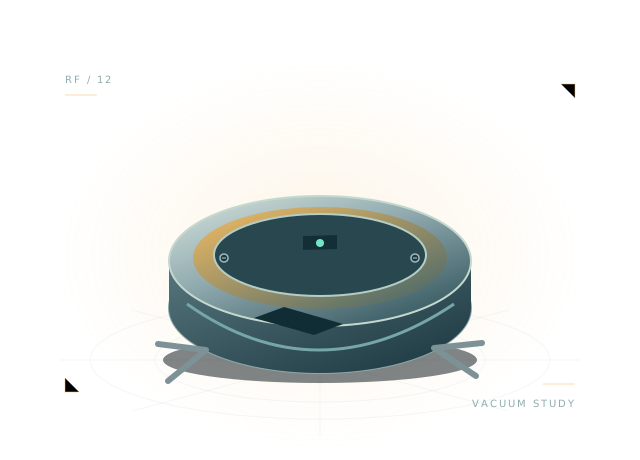
Sweep
Round chassis, two drive wheels, a brush layout and range sensing.
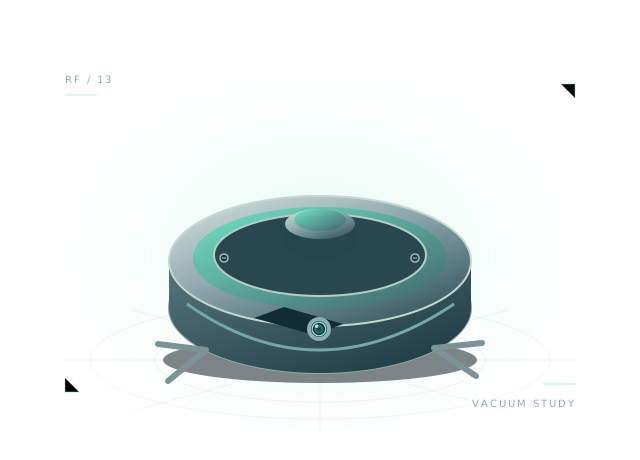
Sweep Pro
A vacuum layout with a LiDAR turret and camera host.
Follow your curiosity.
Follow a line, frame a camera or plan a research platform. Start with a useful foundation and take the next experiment in your own direction.
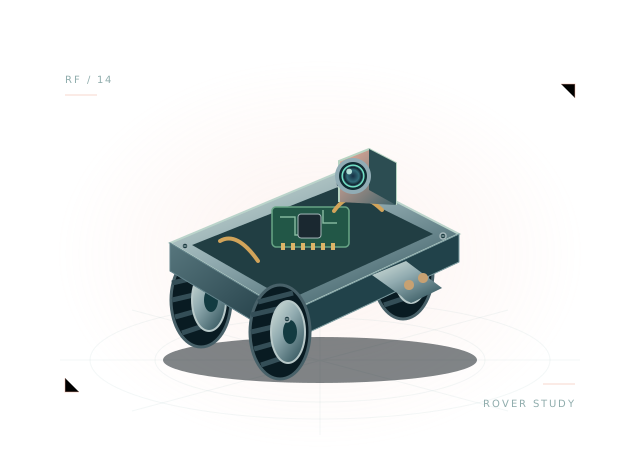
Trail
A two-wheel teaching robot with a downward sensor layout.
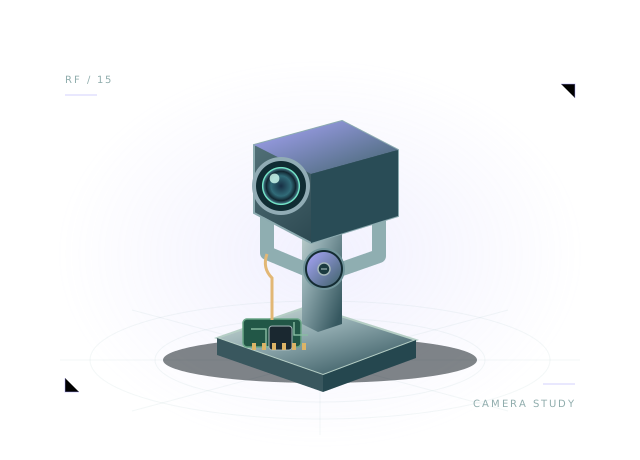
Lookout
An anchored pan/tilt-style camera, power and control assembly.
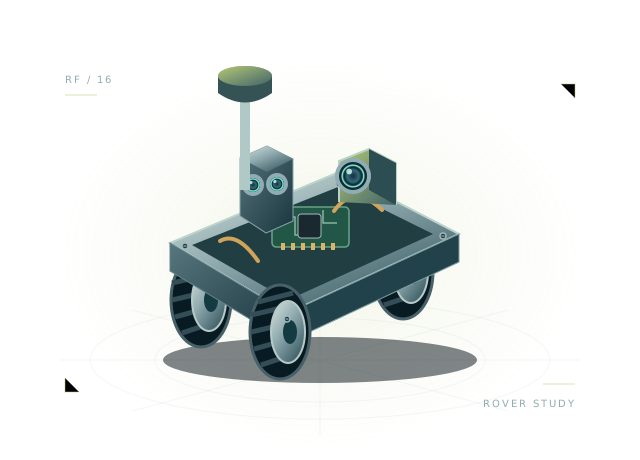
Lab
A research platform with a LiDAR mast and camera.
Every starting point has its own capabilities and modeling limits. Explore a robot's detail page before opening it in the workbench. Understand the model
Every connection
has a consequence.
Inside the workbench 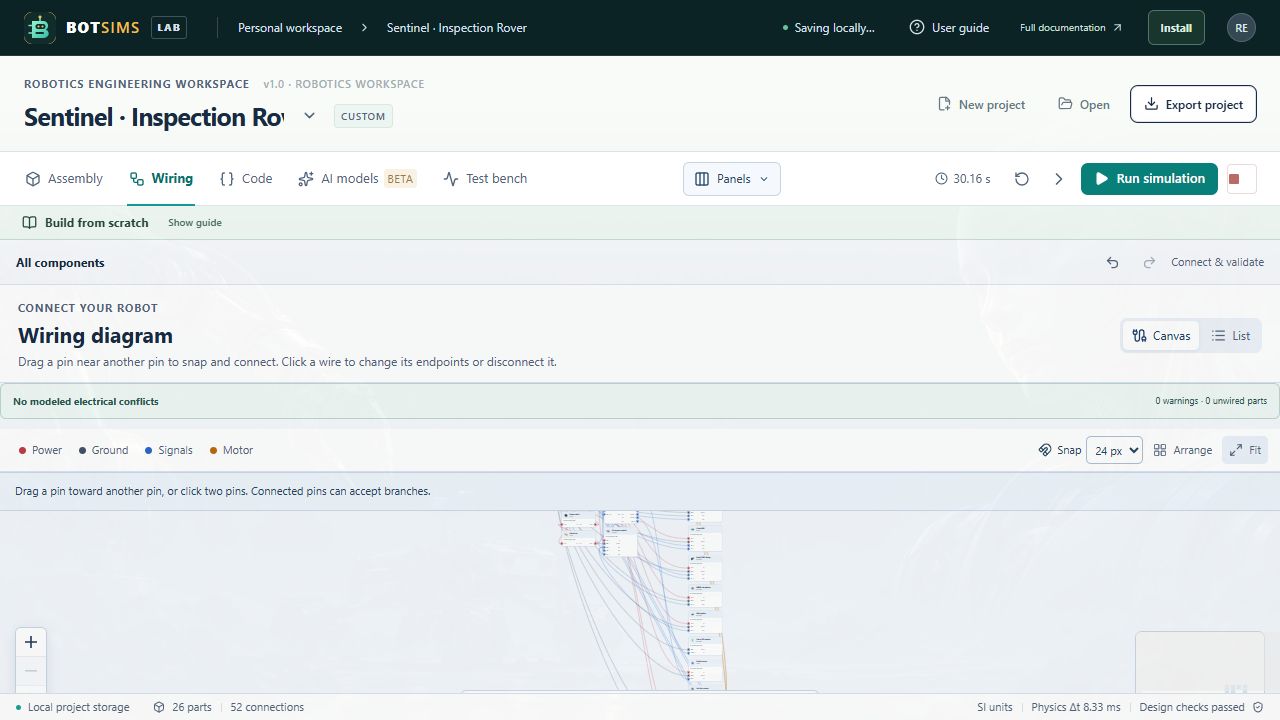
Real workbench capture. Interface details may evolve.
Build a system, piece by piece.
Browse categorized parts, snap compatible mounts, group assemblies and reuse your own modules.
Understand the path of power.
Drag between pins, reconnect wires and inspect polarity, supply voltage and connection diagnostics.
Give the assembly a behavior.
Run virtual JavaScript controllers, inspect telemetry and compare repeatable experiments.
Explore engineering tradeoffs with documented models. Component specifications are generic, and mechanical coverage varies by robot. Read the modeling assumptions
A little intelligence.
A lot to explore.
Connect a supported AI provider with your own key, or experiment with a local Ollama model. Let a model observe your robot, then inspect a bounded action before applying it.
Explore the AI workflowKeys stay in the tab for the session and pass through the server proxy for cloud requests. Provider charges may apply. Local model access depends on your browser and network setup.
A guide for
every next step.
35 illustrated chapters. Practical walkthroughs. Clear limits. Find your feet, then find your own way.
Open the documentationYOUR FIRST BUILDFrom idea to moving rover.
Load a preset, trace its power, run its code and read the result.
Start the walkthroughA LITTLE PERSONALITYMake a robot express itself.
Explore the boards, displays and servo behavior behind a companion.
Meet the emoji robotsKnow what the numbers mean.
Read the assumptions, supported physics and limitations before applying a design.
Explore accuracy & coverageDo I need a physical robot?+
No. The workbench runs in your browser and includes editable virtual assemblies and starter code. You can export a project JSON to keep a copy of your work.
Can I connect my own AI model?+
Use one of the supported cloud adapters with your own API key, or configure a local Ollama model. The guide explains provider setup, model capabilities and command limits.
How closely does this match real hardware?+
The tool combines supported electrical and differential-drive models with layout and kinematic previews. It does not simulate every component or replace datasheets, firmware testing or physical validation. Each preset explains its own coverage.
Your next idea deserves a first prototype.
Start with a robot preset, or turn an empty workbench into something entirely yours.