
Walkthrough: your first AI rover
A complete guided session from template to measurements, fault diagnosis, and export.
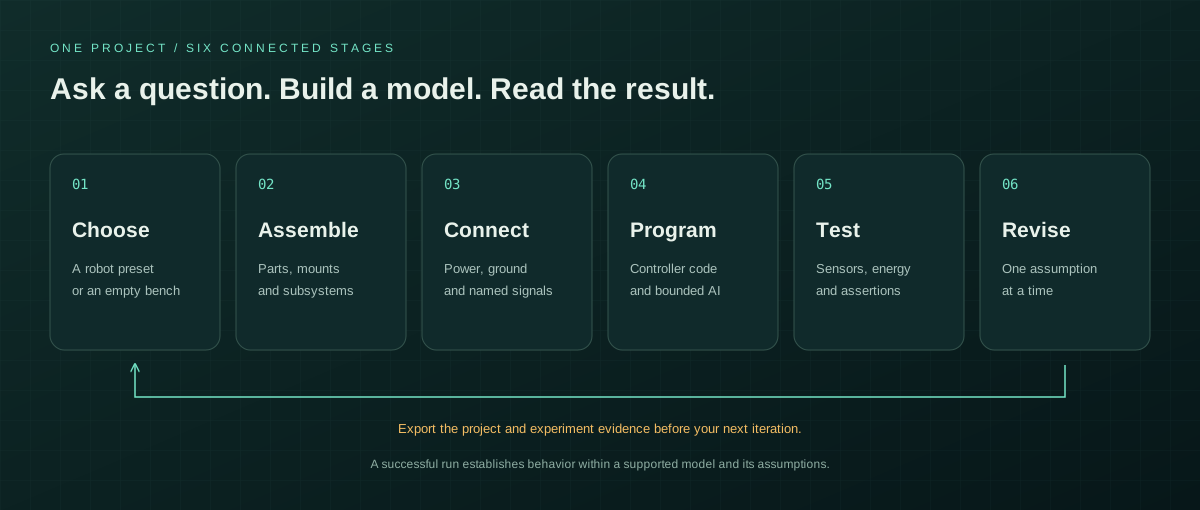
- Export your current project if you want to keep it. Open New / the template chooser and select Atlas · AI explorer. Selecting a preset replaces the active project.
- Open Assembly. Select the chassis, battery, controller, motor driver, motors, wheels, camera, and range sensor in the assembly list to see how the project is organized.
- Open Test bench and review Design diagnostics. Errors block Run; warnings explain missing capabilities or model limitations.
- Choose Flat ground in the scene selector. Press Run. The supplied JavaScript program reads the range sensor, drives forward when clear, turns near obstacles, and stops when its power or range checks fail.
- Watch the live readings for speed, current, voltage, state of charge, distance, and sensor values. Open Code to inspect the actual program and its runtime console.
- Press Pause, then choose Obstacle course and Run. The scene change resets the world. Observe the range value and steering near the blocks.
- Clear the component selection so the inspector shows Environment. Set a slope or add Extra payload. Run again and compare current and battery sag under the new conditions.
- Open Wiring. Remove one motor connection using its connection-row trash button. Run again and inspect the motor-disconnected diagnostic and changed behavior. Use Undo to restore the connection.
- Open AI models and leave the connection on the offline fixture. Request an action while running, inspect its normalized wheel values and duration, and choose Apply bounded action. The action expires within two seconds and pauses the simulation at zero command.
- Open Test bench, run the reference scenario checks, and choose Report. Also export the project JSON so that you can reopen the design later.