
Build a clearer picture.
Assemble detailed generic components in 3D. Inspect dimensions and mass, preview nearby mechanical mounts, replace related component models and organize a complex design into editable groups.
Explore assembly toolsA robot is an assembly, a circuit and a program working together. BotSims brings those decisions into one editable project, with clear evidence about what each model can tell you.
Assemble detailed generic components in 3D. Inspect dimensions and mass, preview nearby mechanical mounts, replace related component models and organize a complex design into editable groups.
Explore assembly toolsElectrical components appear in the wiring workspace. Drag from a named pin, snap to a nearby endpoint, reconnect a wire or use the endpoint selectors. Inspect supported supply, ground, bus and signal checks.
Learn visual wiringRun actual JavaScript in a bounded QuickJS worker. Read virtual sensors, command supported motors and named servos, use PID helpers, inspect logs and step through simulation time.
Meet the virtual APIExplore supported battery charge and voltage sag, motor current and torque, traction and rigid-body contact. Change a load or the terrain and compare the model's response through live telemetry.
Understand the physical modelsSelect an AI provider and use your own key. Discover account models or enter an exact model ID, send reduced sensor observations and optional camera pixels, then review bounded action goals before applying them.
Set up an AI connectorRun your current program in an experiment with initial conditions and explicit criteria. Compare voltage, current and motion results, then export the trace alongside the project that produced it.
Create an experimentWire snapping makes a dense circuit easier to assemble. Diagnostics use the same logical connections that power supported virtual devices, so changing a wire can change the behavior you observe.
Follow the wiring walkthrough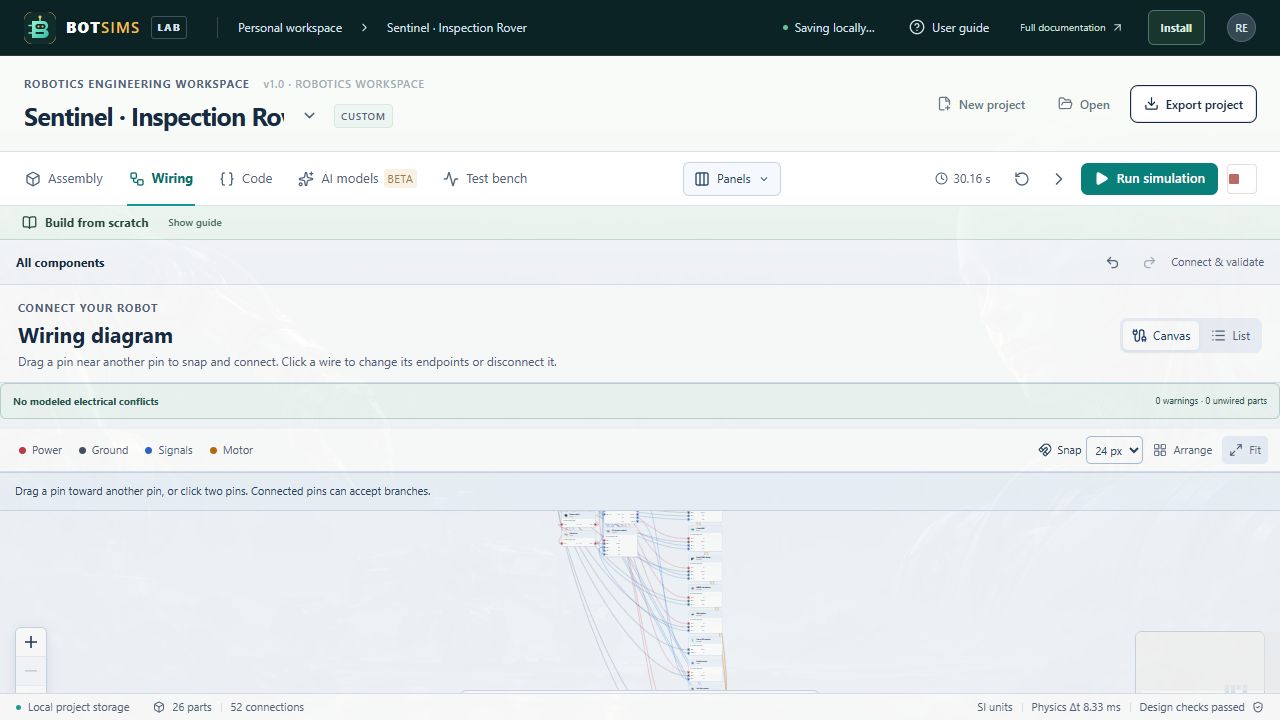
Start with the offline fixture, then choose a provider. Available models depend on your account and must support the required action format and any selected image input.
Cloud calls send reduced observations through the same-origin proxy. Local Ollama connects directly to your localhost server. The dedicated API key field is excluded from exported projects. Read the data flow →
The current release supports early design and software exploration. Use the coverage below to decide which questions it can answer for your robot.
| Area | What you can explore | Model boundary |
|---|---|---|
| Assembly & components | Editable geometry, dimensions, mass, generic mount anchors, groups and modules. | Manufacturer CAD, tolerances, connector fit and structural strength are not qualified. |
| Electrical connectivity | Named pin networks, selected supply/signal contracts and actual virtual power gating. | General analog circuits, real bus waveforms, cable loss and EMC are outside the current model. |
| Mobile robot motion | Two supported drive motors, battery/motor coupling, traction, gravity and rigid-body contact. | Models are generic and uncalibrated; full transmission and independent wheel-spin dynamics are not solved. |
| Arms, legs & camera rigs | Bounded servo commands and forward-kinematic motion previews. | Contacts and inertia remain at reference poses. Dynamic balance, IK and grasping are not implemented. |
| Sensors & media | Range sensing, approximate IMU/encoders, rendered camera images, display and speaker text events. | Full LiDAR scans/SLAM, acoustic propagation, live microphone capture and real voice are not implemented. |
| Programming & AI | High-level virtual JavaScript and validated short wheel/servo/text action goals. | Chip firmware, ROS, physical hardware execution and unrestricted AI code execution are outside this release. |
Start with a robot preset, or turn an empty workbench into something entirely yours.