
Add a custom component definition
Create a saved geometry/mass part from JSON and avoid common import errors.
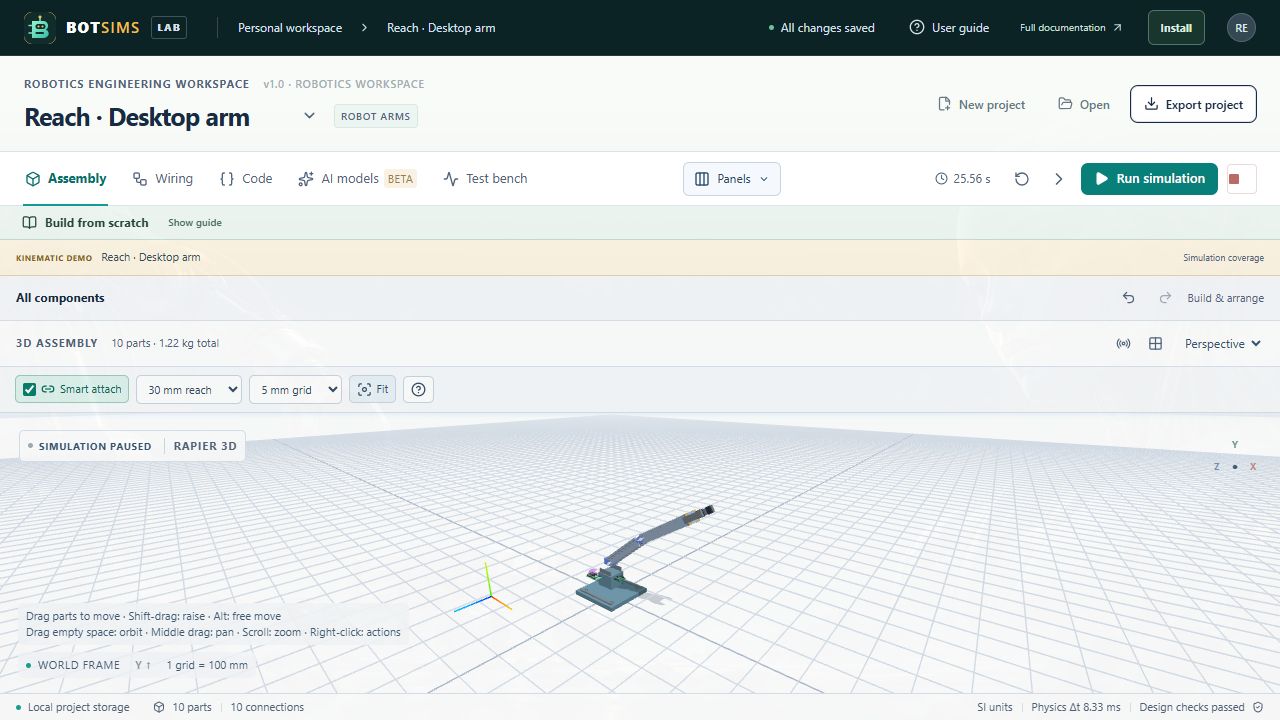
Choose Define custom component beneath the library. The editor starts with a complete example definition. Change the model ID to a unique identifier that does not replace a built-in model, give it a readable name, and set its dimensions, mass, category, and shape.
{
  "id": "my-camera-bracket",
  "name": "My camera bracket",
  "category": "Structure",
  "description": "User-defined mounting block for layout.",
  "size": [
    0.04,
    0.025,
    0.03
  ],
  "mass": 0.018,
  "color": "#64748b",
  "shape": "box",
  "pins": [],
  "params": {},
  "price": 0,
  "fidelity": "geometry-only",
  "source": "User-defined, unvalidated.",
  "version": 1
}
Dimensions are [X,Y,Z] metres and mass is kilograms. Supported custom primitive shapes are box, cylinder, wheel, camera, and display. Use a listed category. Pin IDs must be unique and use supported identifier characters; numeric parameters must be finite JSON numbers.
Choose Add component. The definition is embedded in that project instance and survives project export/import. This editor does not import CAD meshes, generate firmware support, or register a custom physical solver. Imported custom definitions are deliberately geometry-only.