
Wire power, signals, and motor outputs
Make real logical connections and understand why a device can be visible but unavailable.
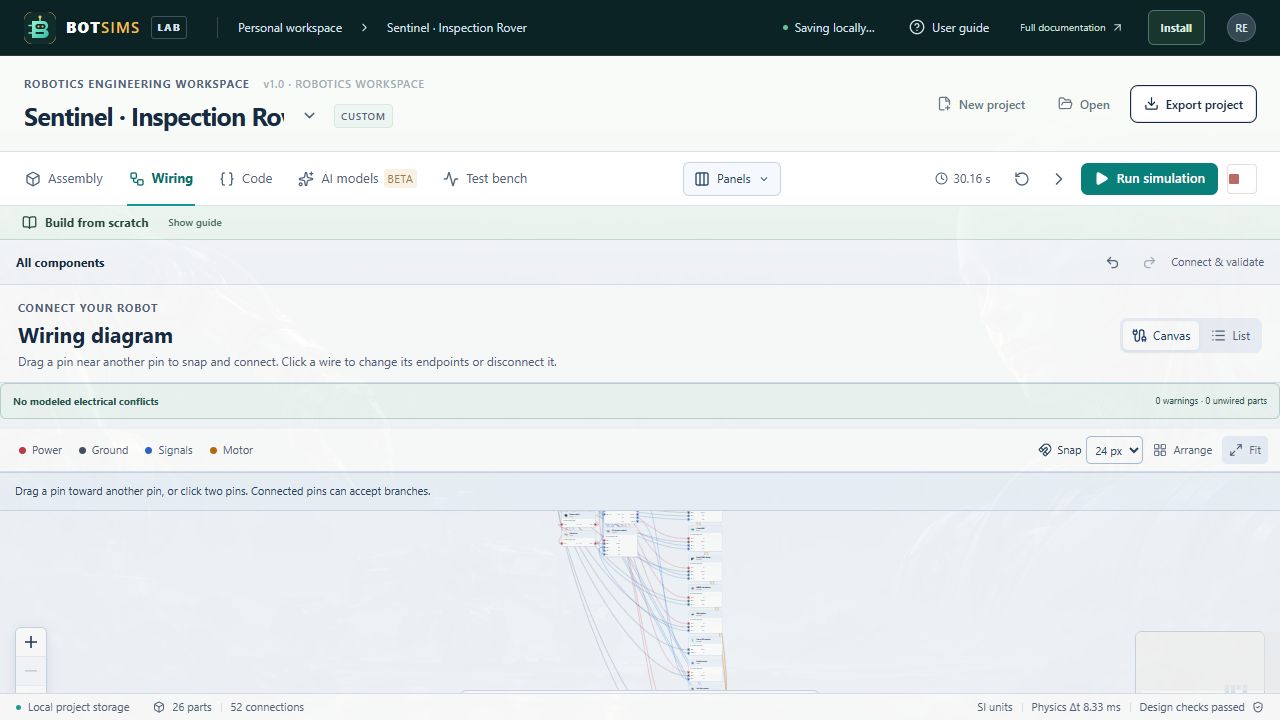
The Wiring tab connects named pins. Select one endpoint in From and another in To, then choose Connect. A connection joins those two electrical nodes; sharing a position, touching meshes, or adding a cable-shaped component does not make a connection.
| Device path | What must be connected |
|---|---|
| Battery and regulator | A supported battery supply and return feed the regulator input. Regulator ground must return to battery ground. |
| Controller | Its supply and ground need a complete supported path. |
| Motor driver | Its motor supply and ground need power. Its PWM input must connect to the powered controller, with a shared ground. |
| Drive motor | Both leads must connect to one driver channel. Swapping the leads reverses the modeled polarity. |
| I²C range / IMU / display | Supply, shared ground, matching SDA, and matching SCL paths are needed. |
| Encoder | Power/ground and the supported controller input paths are required. |
| Camera / microphone / speaker | Supply, shared ground, and the supported DATA connection are needed. DATA is a virtual interface, not a USB packet simulation. |
Start by inspecting the reference rover's pin mappings. Pin labels and direction matter. For I²C, connect SDA to SDA and SCL to SCL; both signals are needed. Do not connect independent power outputs together or short a battery positive pin to ground.
Use Test bench after changes. Validation reports missing paths, some voltage/logic mismatches, output conflicts, short circuits, and I²C address collisions. An error blocks Run. A warning may allow a run while leaving that device inactive.