
Write and execute your robot program
Use the actual JavaScript API, safe sensor handling, and persistent controller state.
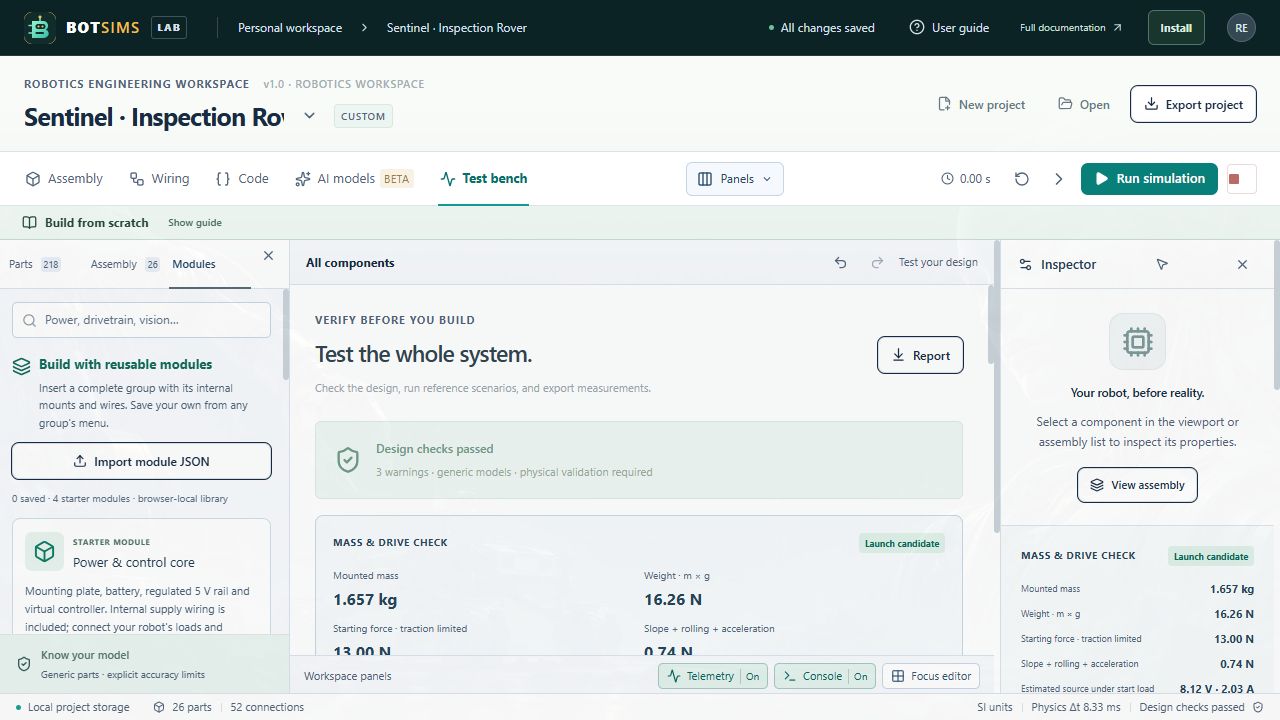
Open Code and write a synchronous function step(robot). The application invokes it once per controller update. It receives a frozen observation copy and can emit bounded commands. This is real JavaScript execution inside a QuickJS WebAssembly VM in a dedicated Worker; it is a high-level virtual device API.
let ticks = 0;

function step(robot) {
  ticks++;
  const range = robot.sensors.range;
  if (robot.brownout || !Number.isFinite(range)) {
    robot.drive(0, 0);
    robot.display("⚠️");
    return;
  }
  const blocked = range < 0.65;
  robot.drive(blocked ? -0.25 : 0.4, blocked ? 0.25 : 0.4);
  robot.display(blocked ? "🤔" : "😊");
  if (ticks % 20 === 0) {
    robot.log("Range m:", range, "Battery V:", robot.battery.voltage);
  }
}| Observation | Meaning |
|---|---|
| robot.time | Simulation time in seconds; use this instead of Date or wall-clock timers. |
| robot.sensors.range | Range in metres. Missing observations arrive as null in the program. |
| robot.sensors.imu | Three chassis-frame specific-acceleration values in m/s². At rest, +Y is about +9.81. |
| robot.sensors.encoders | Two quantized output-shaft angles in radians when the supported encoders are wired. |
| robot.battery | voltage (V), current (A), and soc (fraction 0–1). |
| robot.motors | Two supported motor observations: current, omega, torque, and temperature. |
| robot.brownout | Whether the modeled controller has a power fault. |
| Method / return | Contract |
|---|---|
| robot.drive(left,right) | Finite normalized values from −1 to +1. Each tick starts at zero drive. |
| robot.display(text) | Expression text, up to 80 characters, applied through the supported wired display. |
| robot.speak(text) | Console speaker-text event, up to 500 characters; no synthesized audio. |
| robot.log(...values) | Up to 20 lines per tick, each capped at 240 characters. |
| return {left,right,expression?,servo?} | Optional command object. Returned left and right are both required and override drive-method values. servo is a normalized value from −1 to +1. |
Variables declared outside step persist between ticks in one controller instance. Use Number.isFinite(...) for sensor values; checking only whether a value is less than a threshold can mishandle null. Outputs outside their range fail instead of silently clamping.
Independent servo API: robot.servo(partId, normalizedTarget) accepts finite targets from -1 to 1, up to 32 IDs per tick. You may also return {left:0,right:0,servos:{shoulder:0.3,elbow:-0.2}}. robot.servos[partId] reads a frozen preview angle in radians. Targets move at maxSpeed (default 2 rad/s), obey angle limits, and require valid power, ground and PWM paths. Omitted commands hold the current angle; reset restores the bind pose. The legacy scalar servo output remains supported. Link motion is a kinematic demonstration, not measured joint dynamics.