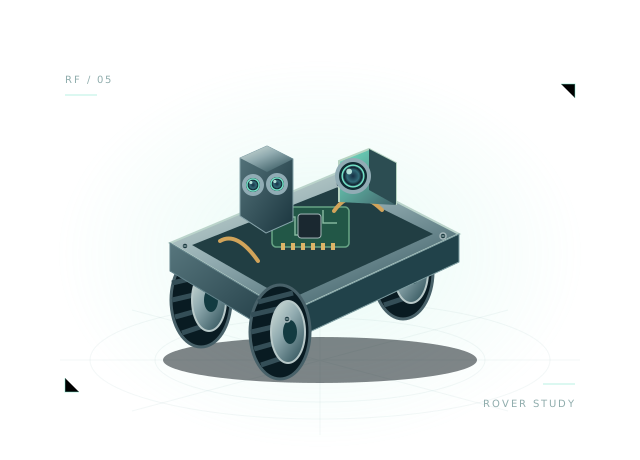
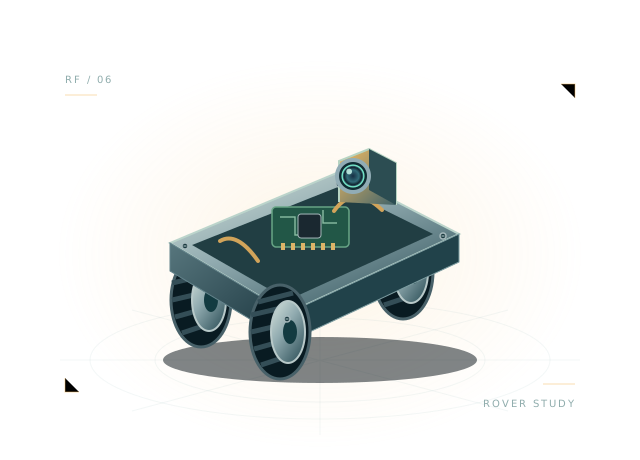
Inspect the design
Change payload in the environment and compare acceleration and current draw.
Courier adds a cargo tray and a starting payload of 1 kg to a mobile platform. Explore a practical engineering tradeoff: how much battery and motor effort does your design need when the useful load changes?
Includes assembly, starter wiring and executable virtual JavaScript.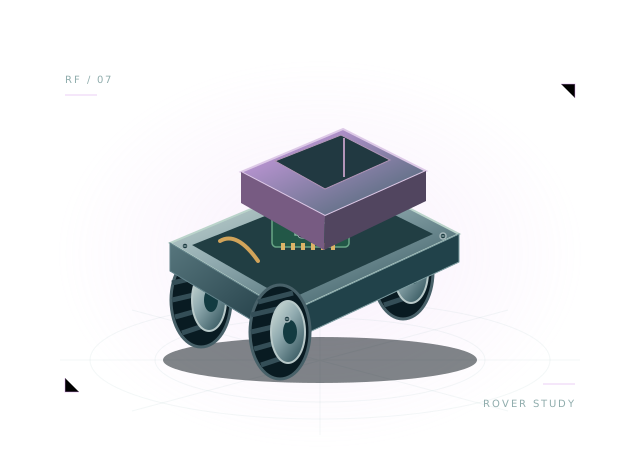 Concept illustration · inspect actual geometry above.
A delivery platform with a cargo tray and a 1 kg starting payload. All 20 components and 43 starter connections remain editable in your own project.
The preset also starts with 1 kg of environmental payload, separate from the estimated component mass above.
Use the starting assembly to ask better questions about your design. Save a copy, change a parameter and compare what happens.
Change payload in the environment and compare acceleration and current draw.
Inspect how cargo tray mass contributes to the complete assembly.
Compare source voltage, traction demand and obstacle-avoidance behavior under load.
function step(robot) {
  robot.drive(0, 0);
  if (robot.brownout || robot.battery.voltage < 6.25) { robot.display('🪫'); return; }
  const range = robot.sensors.range;
  if (!Number.isFinite(range)) { robot.display('⚠️'); return; }
  const obstacle = range < 0.65;
  robot.drive(obstacle ? -0.3 : 0.6, obstacle ? 0.35 : 0.6);
  robot.display(obstacle ? '🤔' : '😊');
}
The full, editable starter script is included in the workbench.
Payload changes the supported assembly mass, acceleration, traction demand and battery draw. Cargo handling is not automated.
This is a virtual JavaScript environment. It does not emulate ESP-IDF, Arduino firmware or a manufacturer's exact hardware.
Compact face, display and expressive servo with 3.3 V GPIO aliases.
Open the template, inspect the wiring and run its first behavior.