Inspect the design
Run the starter face loop and watch its expression log.
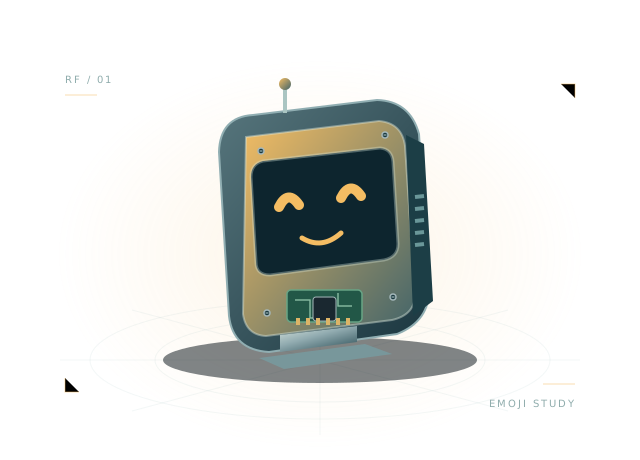
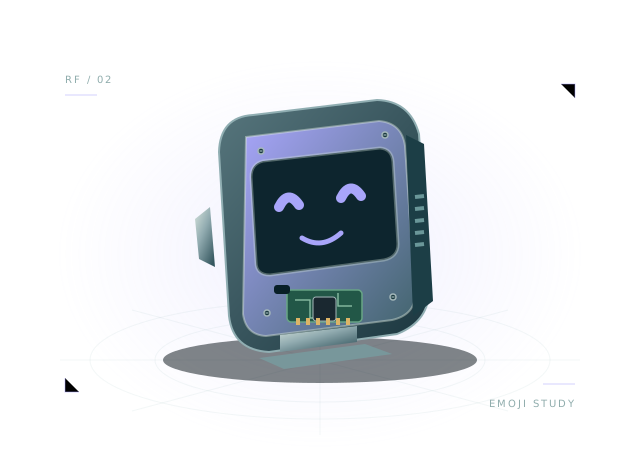
Mochi brings a display, microphone, speaker and expressive servo into one friendly assembly. It is a useful place to understand the virtual robot API and plan an interactive robot's parts and power paths.
Includes assembly, starter wiring and executable virtual JavaScript.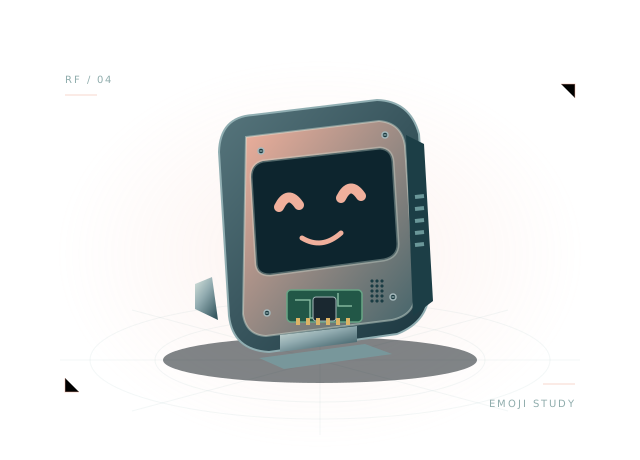 Concept illustration · inspect actual geometry above.
The original display, microphone, speaker and servo example. All 9 components and 19 starter connections remain editable in your own project.
Use the starting assembly to ask better questions about your design. Save a copy, change a parameter and compare what happens.
Run the starter face loop and watch its expression log.
Inspect power, shared ground and servo PWM connections.
Plan microphone and speaker placement while keeping the current text-event audio limits in view.
let previous = '';
function step(robot) {
  robot.drive(0, 0);
  if (robot.brownout || robot.battery.voltage < 6.25) { robot.display('🪫'); return; }
  const face = ['😊', '🤖', '◕ ◕', '😴'][Math.floor(robot.time / 2) % 4];
  robot.display(face);
  robot.servo('servo', 0.45 * Math.sin(robot.time));
  if (face !== previous) { robot.log('Expression:', face); previous = face; }
}
The full, editable starter script is included in the workbench.
Working expression code, wired power and approximate servo power. The enclosure stays a rigid assembly.
This is a virtual JavaScript environment. It does not emulate ESP-IDF, Arduino firmware or a manufacturer's exact hardware.
Compact face, display and expressive servo with 3.3 V GPIO aliases.
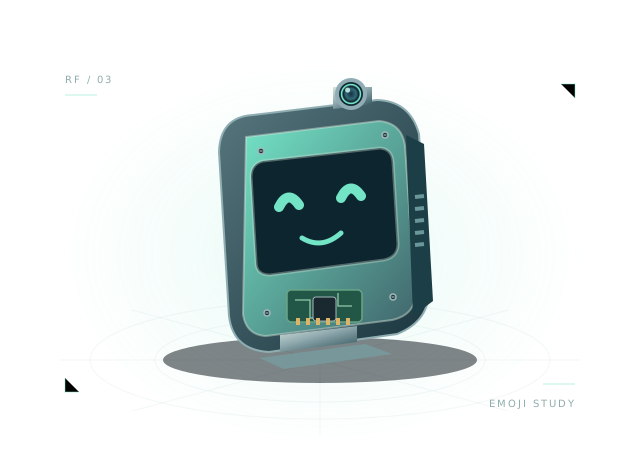
Camera, display and audio planning with a separate virtual AI host.
Open the template, inspect the wiring and run its first behavior.