Inspect the design
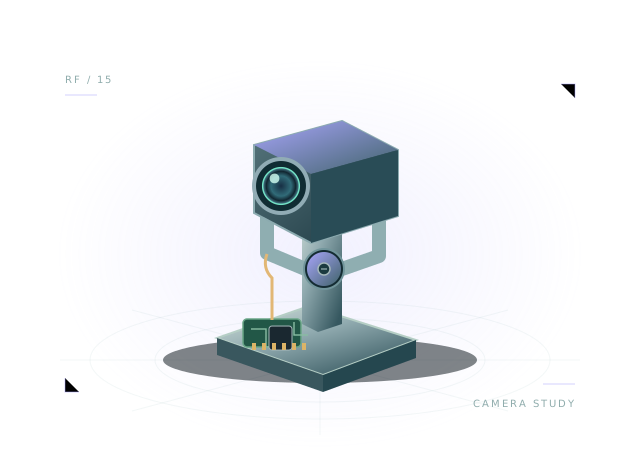
Find the downward sensor positions and inspect their circuit connections.
Trail is a teaching layout for a small two-wheel robot with downward-facing sensors. Explore its circuit and drive behavior, then adapt the included range-based stop controller as a virtual API exercise.
Includes assembly, starter wiring and executable virtual JavaScript.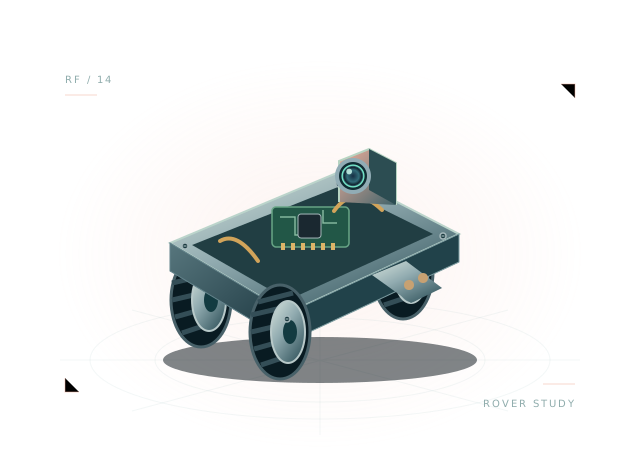 Concept illustration · inspect actual geometry above.
A two-wheel teaching robot with a downward sensor layout. All 16 components and 32 starter connections remain editable in your own project.
Use the starting assembly to ask better questions about your design. Save a copy, change a parameter and compare what happens.
Find the downward sensor positions and inspect their circuit connections.
Run the supplied range-based stop controller and adjust its threshold.
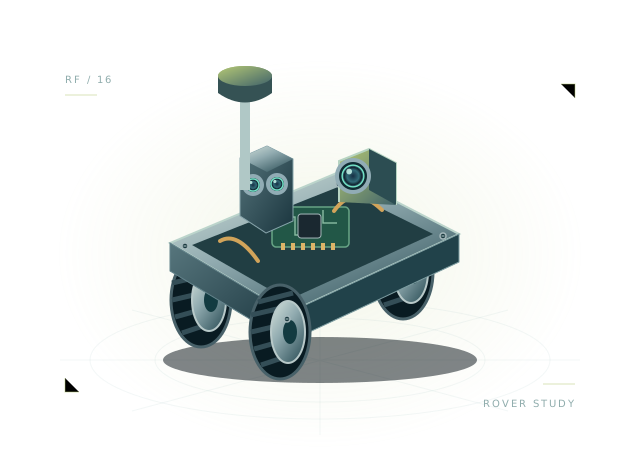
Compare the ESP32-C3 layout with the ESP32 rover starter.
function step(robot) {
  robot.drive(0, 0);
  if (robot.brownout || robot.battery.voltage < 6.25) { robot.display('🪫'); return; }
  const range = robot.sensors.range;
  if (!Number.isFinite(range)) { robot.display('⚠️'); return; }
  const obstacle = range < 0.65;
  robot.drive(obstacle ? -0.3 : 0.35, obstacle ? 0.35 : 0.35);
  robot.display(obstacle ? '🤔' : '😊');
}
The full, editable starter script is included in the workbench.
Working differential drive and range-based stop controller. Reflectance and painted-line detection are not modeled.
This is a virtual JavaScript environment. It does not emulate ESP-IDF, Arduino firmware or a manufacturer's exact hardware.
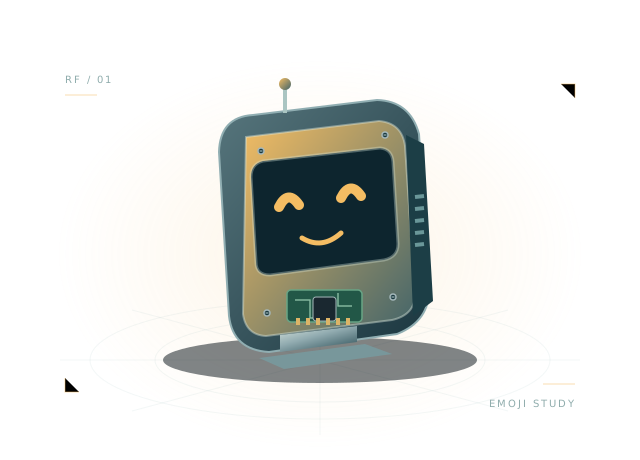
Compact face, display and expressive servo with 3.3 V GPIO aliases.
Open the template, inspect the wiring and run its first behavior.