Inspect the design
Orbit the airframe, isolate its groups and inspect the rotor, landing gear and payload arrangement.
Four arms carry eight stacked rotors around an instrument deck. Study coaxial packaging and cabling. Compare airframe geometry, component mass, payload assumptions and named electrical connections in one editable project. Run a generic multirotor flight model with takeoff, position hold, landing, wind and battery load. Coefficients are planning assumptions, not calibrated aircraft performance.
Includes assembly, starter wiring and executable virtual JavaScript.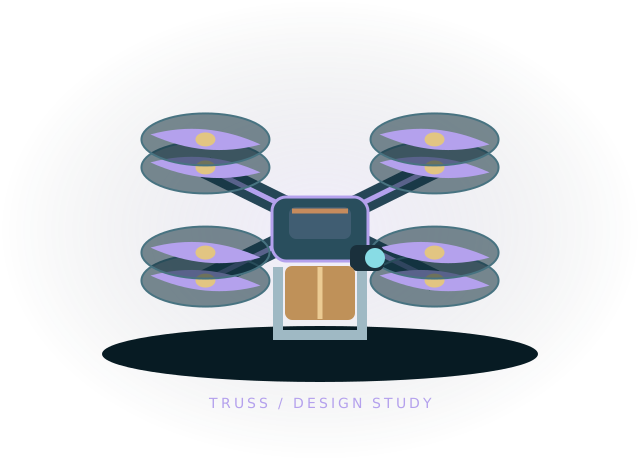 Concept illustration · inspect actual geometry above.
Four arms carry eight stacked rotors around an instrument deck. Study coaxial packaging and cabling. All 46 components and 63 starter connections remain editable in your own project.
The preset also starts with 0.25 kg of environmental payload, separate from the estimated component mass above.
Use the starting assembly to ask better questions about your design. Save a copy, change a parameter and compare what happens.
Orbit the airframe, isolate its groups and inspect the rotor, landing gear and payload arrangement.
Trace the battery through the distribution board and ESC phase terminals. Check the powered ESC, PWM, ground and three-phase paths that enable each simulated rotor.
Take off with the included code or Flight deck controls, watch the onboard camera, then land and export your design.
function step(robot) {
  const t = robot.time;
  robot.fly({ armed: true, altitude: 1.2, x: t < 12 ? 0 : .8, z: 0, yaw: 0, land: t > 26 });
}
The full, editable starter script is included in the workbench.
Generic multirotor flight: takeoff, position hold, landing, wind drag, payload, rotor failure, ESC current and battery sag. Editable coefficients and ideal-pose autopilot; no measured aircraft calibration, GNSS navigation or fixed-wing transition.
This is a virtual JavaScript environment. It does not emulate ESP-IDF, Arduino firmware or a manufacturer's exact hardware.
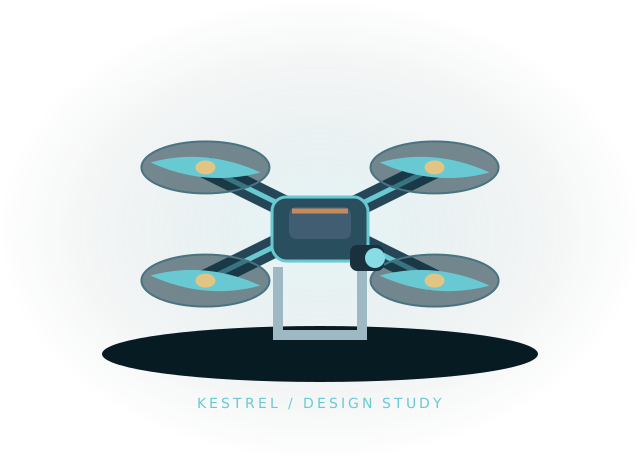
An X-frame quad with a forward camera and GNSS mast for mapping layout studies.
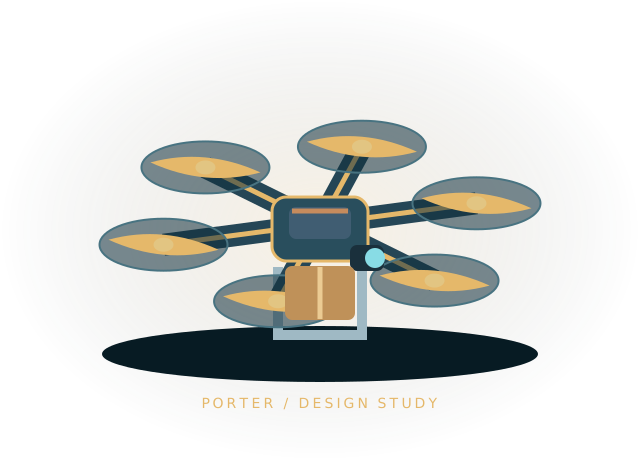
Six radial arms, tall landing skids and an underslung cargo pod with a 0.5 kg planning payload.
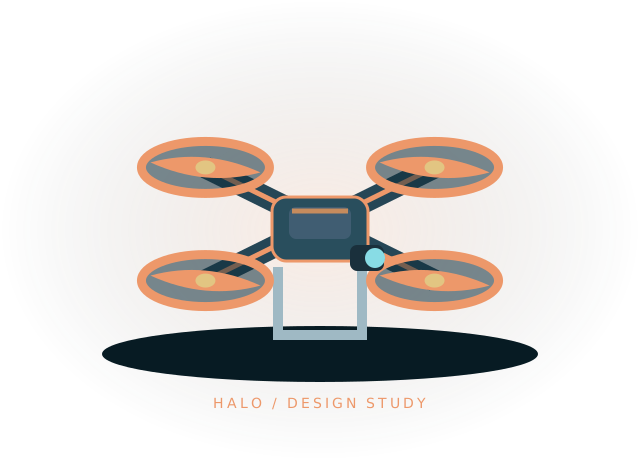
Four open protective ducts surround a compact camera body for confined-space design studies.
Open the template, inspect the wiring and run its first behavior.