Inspect the design
Follow the battery and regulator paths into the controller, display and servo.
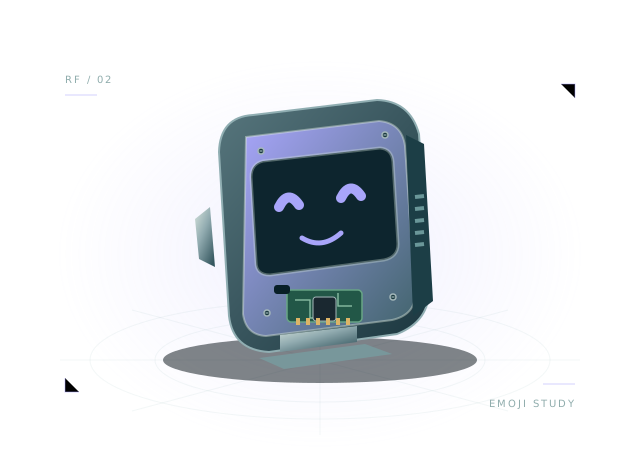
Meet Pixel: a compact starting point for an expressive desktop robot. Bring an OLED face, a servo and an ESP32 control board together, then explore the relationship between power, wiring and a few lines of behavior.
Includes assembly, starter wiring and executable virtual JavaScript.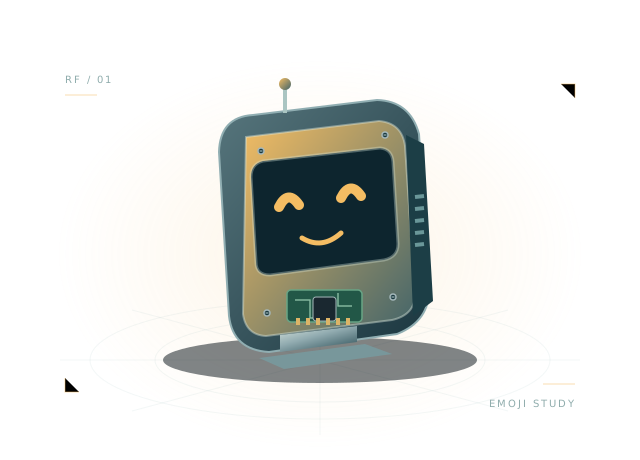 Concept illustration · inspect actual geometry above.
Compact face, display and expressive servo with 3.3 V GPIO aliases. All 6 components and 11 starter connections remain editable in your own project.
Use the starting assembly to ask better questions about your design. Save a copy, change a parameter and compare what happens.
Follow the battery and regulator paths into the controller, display and servo.
Run the included expression loop and change its timing or display messages.
Swap a compatible board or power source and inspect the connection checks.
let previous = '';
function step(robot) {
  robot.drive(0, 0);
  if (robot.brownout || robot.battery.voltage < 6.25) { robot.display('🪫'); return; }
  const face = ['😊', '🤖', '◕ ◕', '😴'][Math.floor(robot.time / 2) % 4];
  robot.display(face);
  robot.servo('servo', 0.45 * Math.sin(robot.time));
  if (face !== previous) { robot.log('Expression:', face); previous = face; }
}
The full, editable starter script is included in the workbench.
Powered display and bounded servo-horn animation. Virtual JavaScript API; no ESP-IDF/Arduino firmware emulation.
This is a virtual JavaScript environment. It does not emulate ESP-IDF, Arduino firmware or a manufacturer's exact hardware.
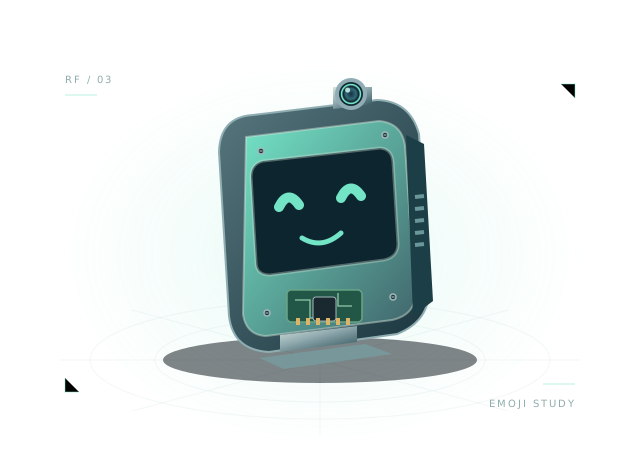
Camera, display and audio planning with a separate virtual AI host.
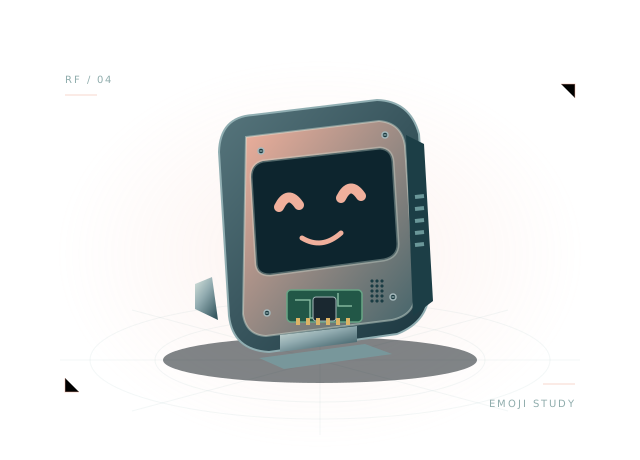
The original display, microphone, speaker and servo example.
Open the template, inspect the wiring and run its first behavior.