
Export, import and review recorded AI actions
Replay validated commands without making another provider request.
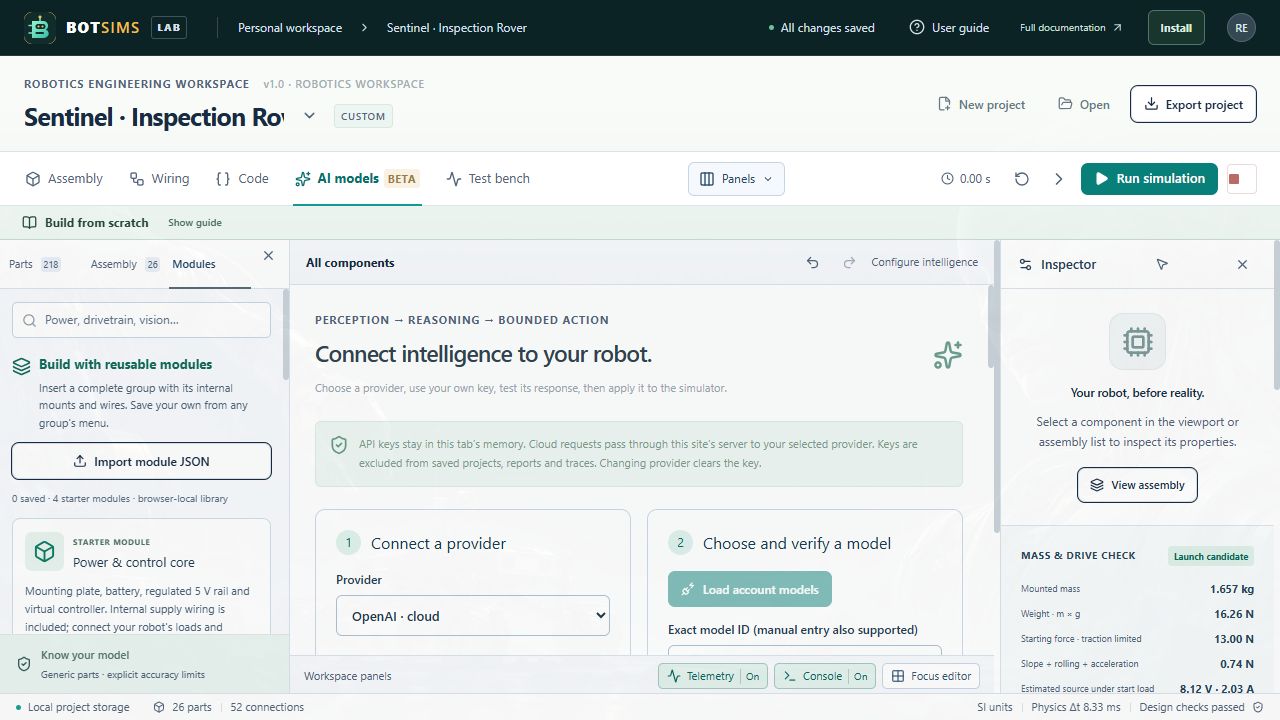
- After an action test, choose Export action trace in Request history. The JSON contains up to 100 validated actions/failure statuses, provider/model names, timing and available token usage; exports from this session contain at most the 50 retained records. Keys, raw provider responses, full project/source and objectives are excluded.
- Choose Import action trace and select a BotSims trace (schema version 1, at most 1 MB and 100 records). The importer reconstructs permitted fields and rejects malformed or unbounded actions.
- Choose Review action to load an action into the preview with a Recorded or Imported label. No provider is contacted. Press Run simulation first, then review again and apply if appropriate. Unknown servo IDs cannot be applied to a different robot.
- An action trace does not restore the original world, source code or physics state. Keep a project export and an experiment/report alongside it when comparing repeated runs.