
Run, pause, reset, and single-step
Understand simulation timing, restart behavior, and execution limits.
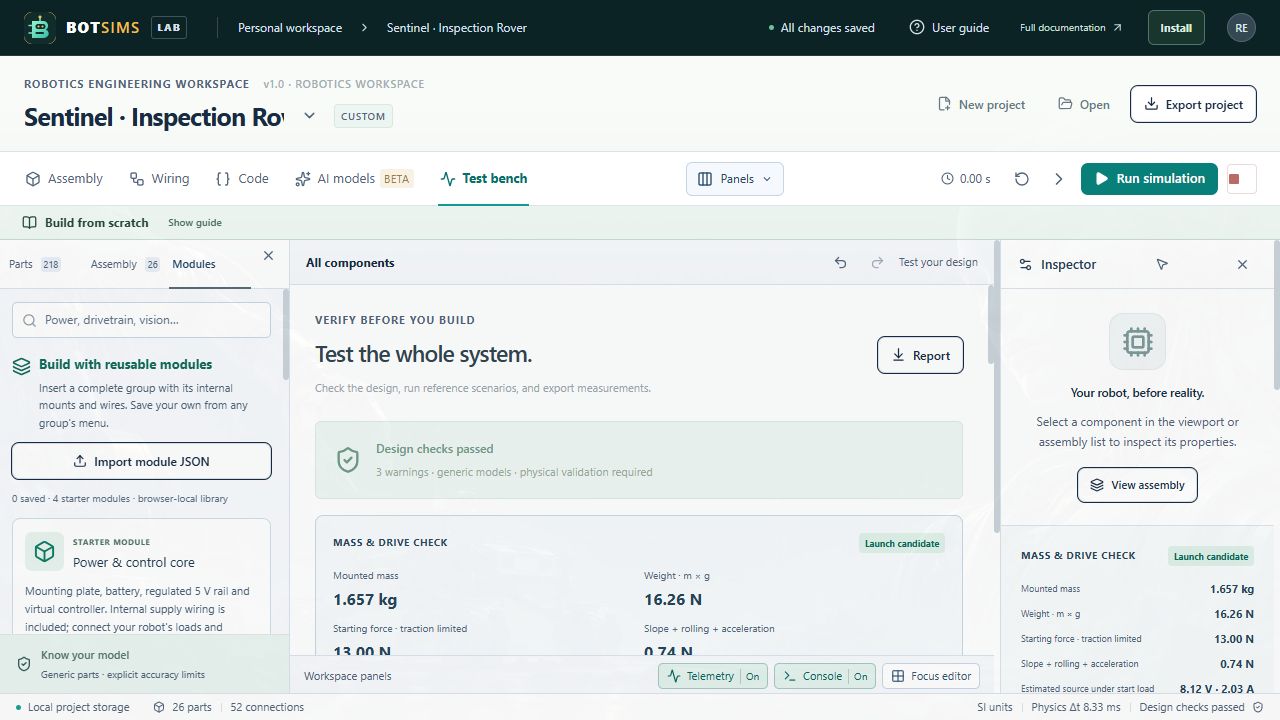
| Control | Effect |
|---|---|
| Run | Validates the design, initializes the runtime if needed, and advances simulation. |
| Pause | Terminates the controller, applies a zero command, and pauses physics. A later Run creates a fresh controller; program globals restart. |
| Single step | While paused, runs one controller invocation and six physics substeps: 50 ms of simulation. Repeated steps keep that controller's globals until it is stopped/reset. |
| Reset | Creates a fresh world on the next run, clearing modeled battery/winding/protection states and observations. |
| Emergency stop | Terminates the program and applies zero command while pausing the simulation. |
| Design/code/environment edit | Resets the runtime so the next run uses the revised project. |
| Hide the browser tab | Stops the running controller and pauses simulation rather than letting an old command continue unseen. |
Physics uses a fixed 1/120 s step (about 8.33 ms). The controller is scheduled at 20 Hz and holds its command for six physics substeps. Rendering is separate. A slow device can run slower than real time; the simulation clock is the reference for control code.
Zero motor command is a modeled coast/open-winding request, not a physical active brake. The UI pauses the physics at a stop, so a stationary picture after Pause does not demonstrate a real braking distance.
| Budget | Current default |
|---|---|
| Program source | 64 KiB UTF-8. |
| QuickJS guest heap | 16 MiB; this is not a cap on the whole browser process. |
| Guest stack | 256 KiB. |
| Initialization / invocation interrupt | 30 ms for each protected guest evaluation or step. |
| Worker watchdog | About one second per tick; WASM startup is allowed up to 15 seconds. |
| Guest access | No host network/filesystem/DOM APIs, imports, Date, or host console. Use robot.log and robot.time. |
Syntax errors, missing step, infinite loops, heap exhaustion, invalid commands, or an unresponsive Worker stop execution. Inspect the runtime console, fix the program, then Run again. The error may be intentionally generic so that an arbitrary guest error object cannot bypass output limits.