
Test scenarios and design diagnostics
Use reference checks correctly and test your own program in the live simulator.
| Scene / fault | What to observe |
|---|---|
| Flat ground | Baseline motion, current, voltage, and sensor output. |
| Obstacle course | Range changes, camera view, collision response, and controller steering. |
| Slope climbing | Gravity load, traction, current demand, and battery sag. |
| Low battery | Reduced state of charge and voltage headroom. |
| Motor stall | Intentionally locked motion, increased winding current, and copper heating. |
| Sensor dropout | Unavailable observations after one simulated second; check your program's safe-stop policy. |
| AI timeout | A locally injected delayed connector failure. No provider is contacted for this fault. |
Use the scene selector for an interactive run of your current program. Set slope, friction, payload, initial charge, and seed in the Environment inspector. A scene or parameter change resets the runtime. When comparing runs, record the full conditions rather than only the scene name.
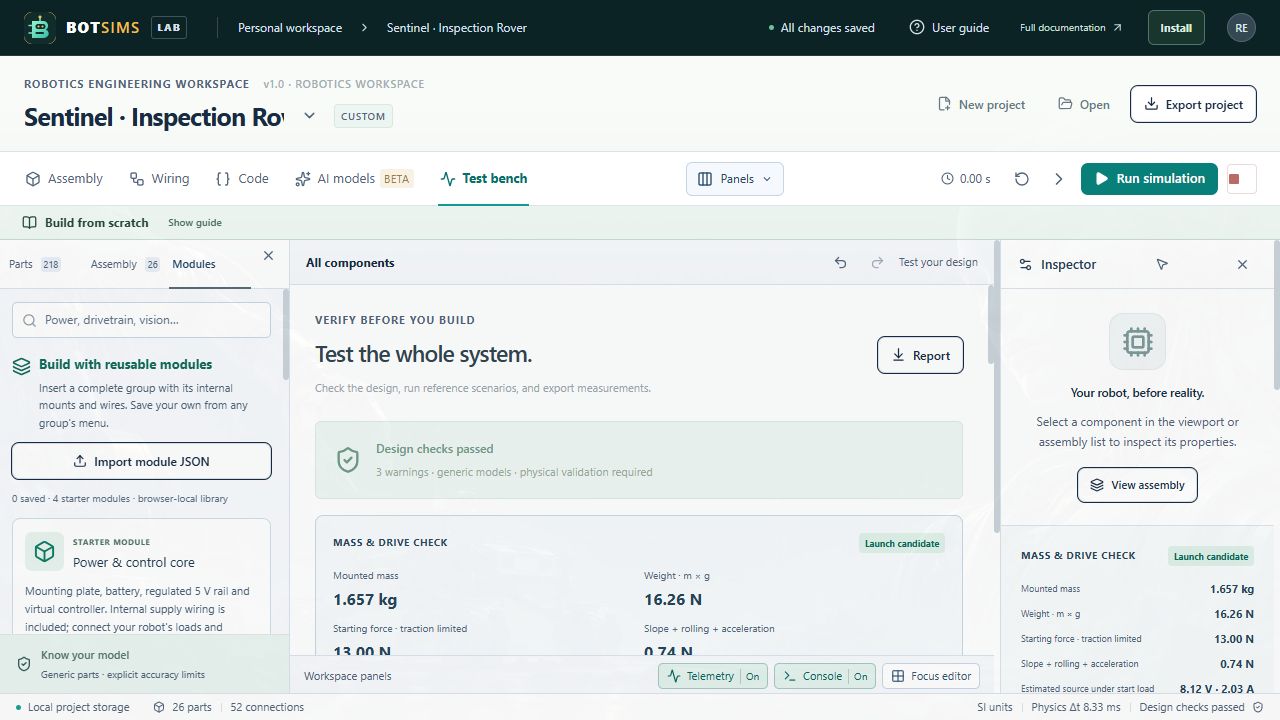
Test bench → Run scenarios uses fixed reference commands to probe the current model and wiring. It does not execute your custom JavaScript as an acceptance suite. A skipped result can mean the project lacks the required device configuration; inspect its detail. Test your actual program through Run or Single step.
Diagnostics distinguish errors, warnings, and information. Errors block Run. Warnings can identify an unpowered device, unsupported joint, geometry-only part, or inactive signal path. Selecting a diagnostic linked to a part helps you find it. Passing checks confirms the implemented assumptions, not hardware certification.