
Read power, motion, and engineering reports
Interpret measurements and export the evidence from a run.
| Measurement | Interpretation |
|---|---|
| Voltage / current / power | Shared battery-terminal behavior and nominal connected loads in the supported model. Power is terminal V × I. |
| State of charge | Modeled fraction of pack charge remaining, shown as a percentage in the interface. |
| Energy Wh | Cumulative chemical energy removed, including modeled battery internal-resistance loss. It is not remaining usable energy. |
| Speed / distance / yaw | Motion of the supported compound mobile-robot body. |
| Motor current / torque / temperature | Behavioral drive-motor values, with lumped copper-heating temperature rather than a full thermal simulation. |
| Range / IMU / encoders | Wiring-gated observations. Unavailable values are distinct from a valid zero reading. |
| Faults | Protection, connectivity, or scenario conditions that can explain stopped or unavailable behavior. |
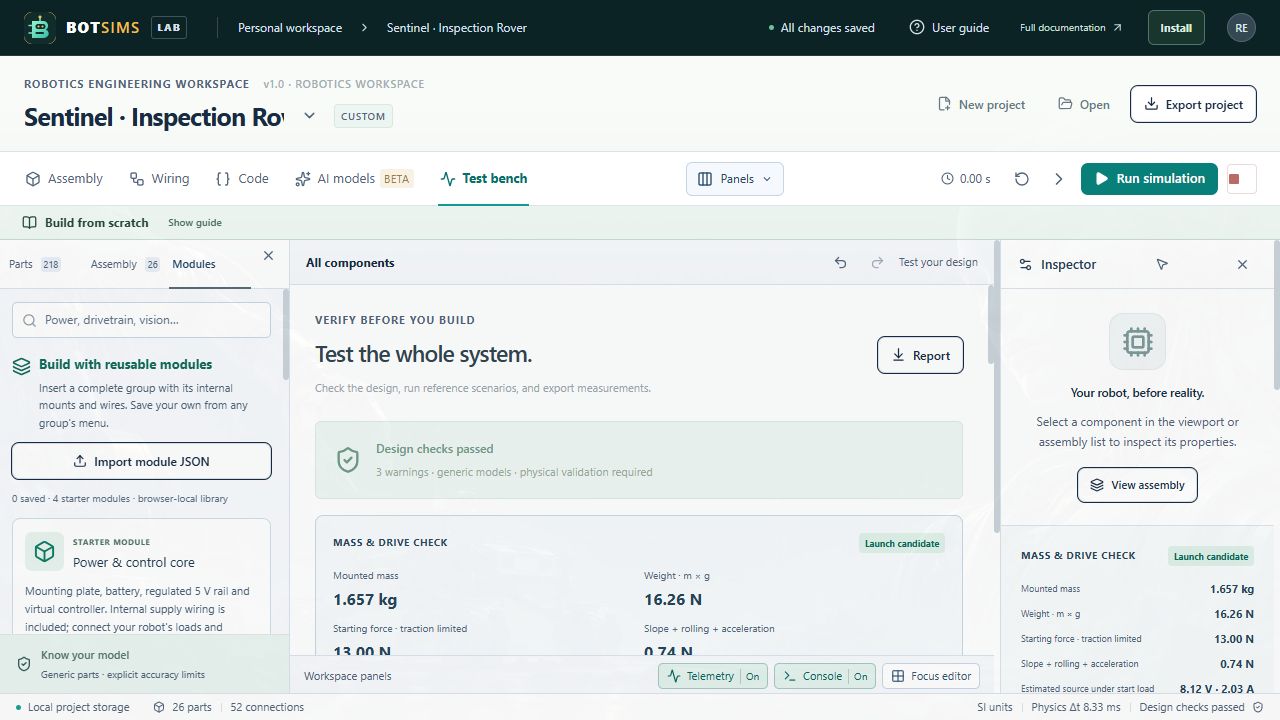
Charts retain recent samples, not an unlimited recording of every physics substep. After a meaningful run, choose Report in Test bench. The JSON report includes the project configuration, per-instance bill of materials, fidelity/source labels, diagnostics, environment conditions, recent measurements, scenario results, AI timing records, and limitations.
A report exported before running can have no measurement. A report after an edit reflects the new design with cleared runtime observations. Estimated component prices are generic planning values, not live quotations. Export the project JSON alongside the report if you want a clear reopenable design backup.