
What BotSims does
Understand the workbench, its models, and the quickest route to your first working robot.
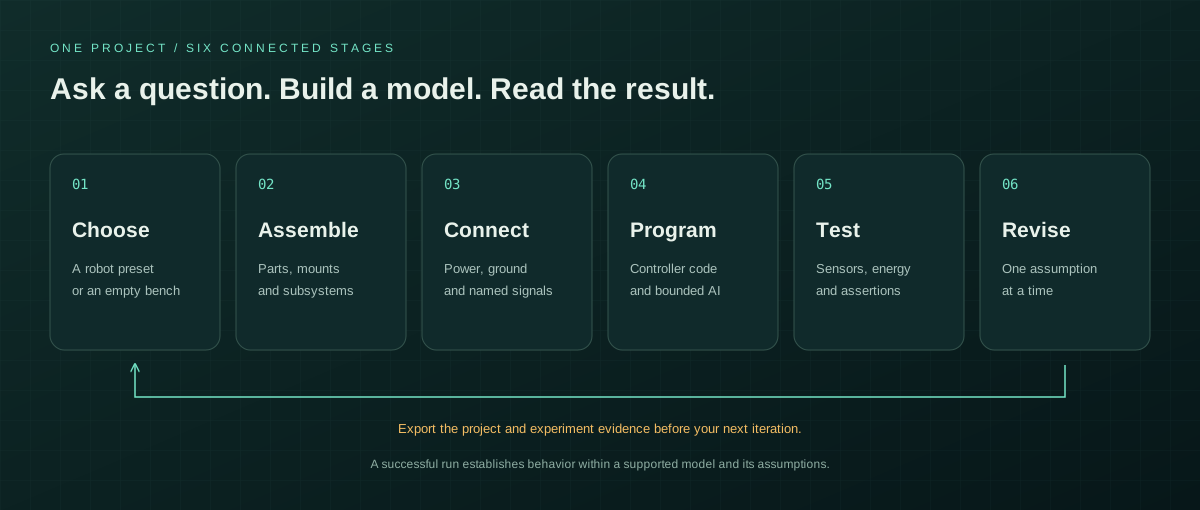
BotSims combines a 3D robot assembly, pin-level wiring, a JavaScript controller, a coupled battery/motor simulation, and bounded AI actions in one project. Start with an expressive emoji companion or a two-wheel AI rover, then revise the design and observe what changes.
The component library is broad enough to plan many mechanisms. Simulation behavior is more focused: the working reference systems are the emoji robot and differential-drive rover. A detailed part shape is useful for layout, but it does not mean that every internal physical effect is simulated.
| Model label | What it means |
|---|---|
| Behavioral model | A supported simplified device behavior participates in the existing simulation. Read its description and parameters; behavior is device-specific. |
| Geometry only | The part contributes its supported shape and mass. Some explicitly declared connectors/wires also provide ideal pin continuity. Specialist functions such as gear meshing, pneumatic pressure, or chip instructions are not simulated. |
| Generic component | Dimensions, mass, prices, and parameters are illustrative examples rather than manufacturer-qualified specifications. |